By default, the Dashboard dial shows the entire speed range if the machine spindle. With some cutters and some materials you do not want the customer to see speeds above a certain RPM/SFM. Also, you want narrow green bands at the lower RPM's to show up with a higher resolution and be easier to see. You can adjust the max RPM the Dashboard shows.
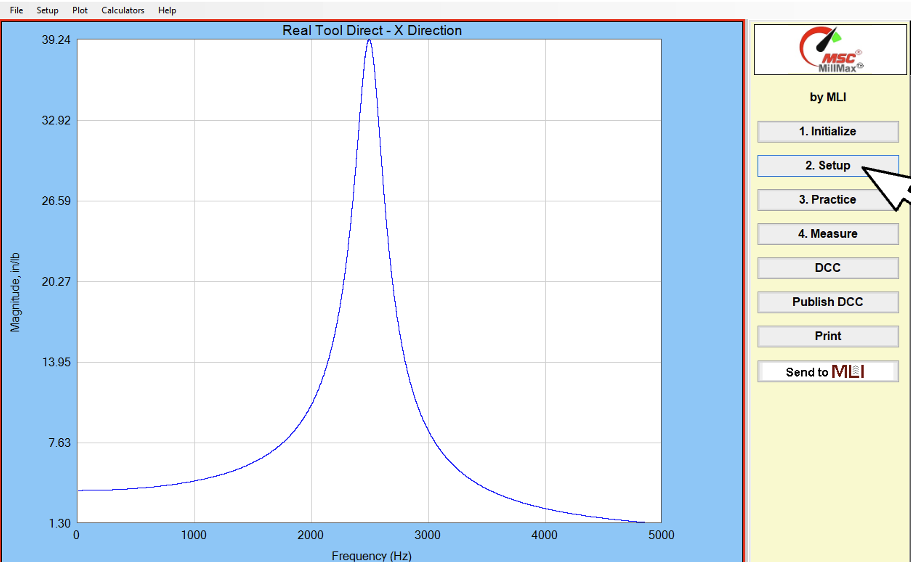
Click Setup

Click Machine Details

Double Click Maximum Spindle Speed (RPM). Enter maximum RPM you want to appear on Dashboard. Double click or press Enter to accept new speed.
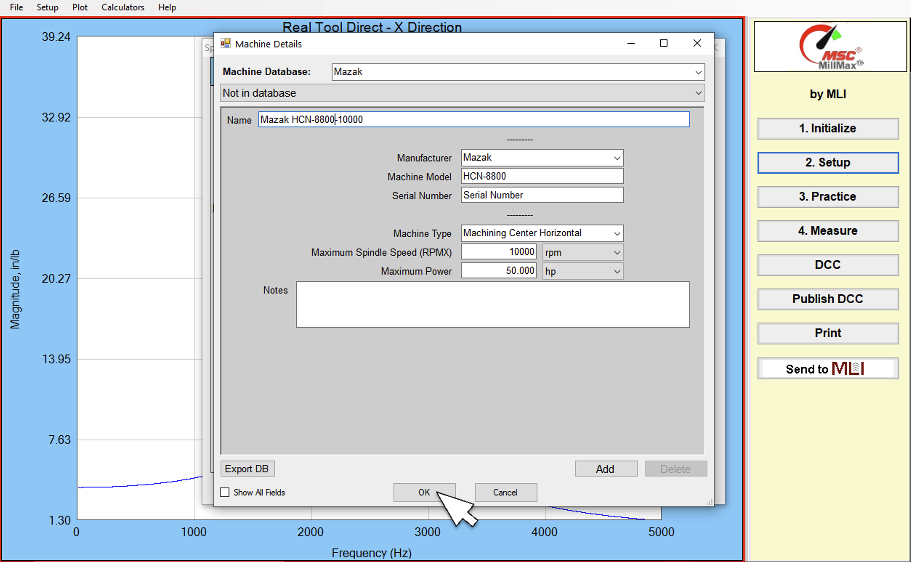
Click OK

Click NO
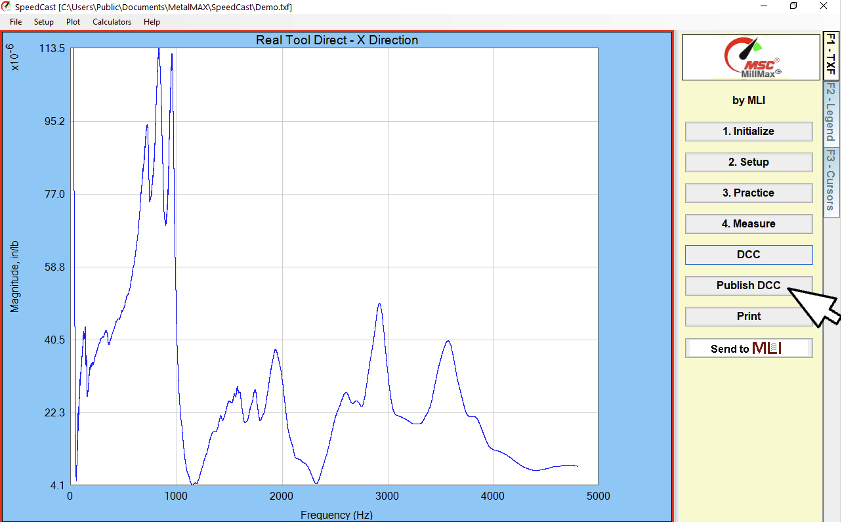
Click Publish Dashboard