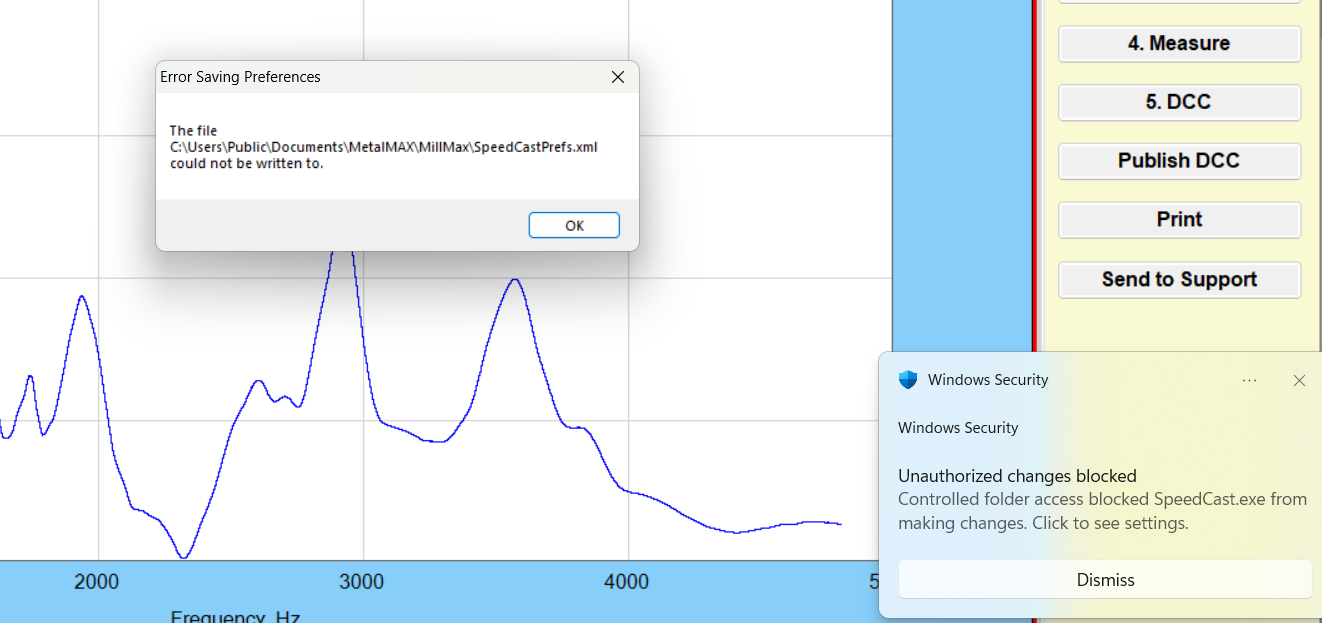
This is an issue caused by use of the Windows Defender anti-virus software, not SpeedCast
"Unauthorized changes blocked" notifications in Windows Security, specifically related to Controlled Folder Access, indicate that Windows Defender is preventing an app from making changes to protected folders. This is a security feature designed to protect your data from malicious software. If you trust the application, you can allow it through Controlled Folder Access."
Understanding the Issue:
Controlled Folder Access:
This feature in Windows Security protects your documents, pictures, and other important files by only allowing trusted apps to modify them.
Unauthorized Changes:
If an app tries to access or modify these protected folders without being on the list of allowed apps, Windows Defender will block it and trigger the "Unauthorized changes blocked" notification.
False Positives:
Sometimes, legitimate applications might be blocked, especially if they're new or haven't been seen by Windows Defender before.
SOLUTION: Allow the App:
Open Windows Security (search for "Windows Security" in the Start Menu).
Click on "Virus & threat protection".
Click on "Manage ransomware protection".
Click on "Allow an app through Controlled folder access".
Click "Add an allowed app" and choose the blocked app from the list or browse to its location.
After adding the app, you can re-enable Controlled Folder Access.